VidRift is a free embed API for movies, TV and anime. Paste one URL, get an adaptive HLS player with subtitles, quality control and auto-next — on any site, in under a minute.
This is the real player — the exact thing your visitors get, streaming from the same edge. Nothing here is a mockup, and nothing here needs an account.
vidrift · live player preview Checking…
Click to start the player
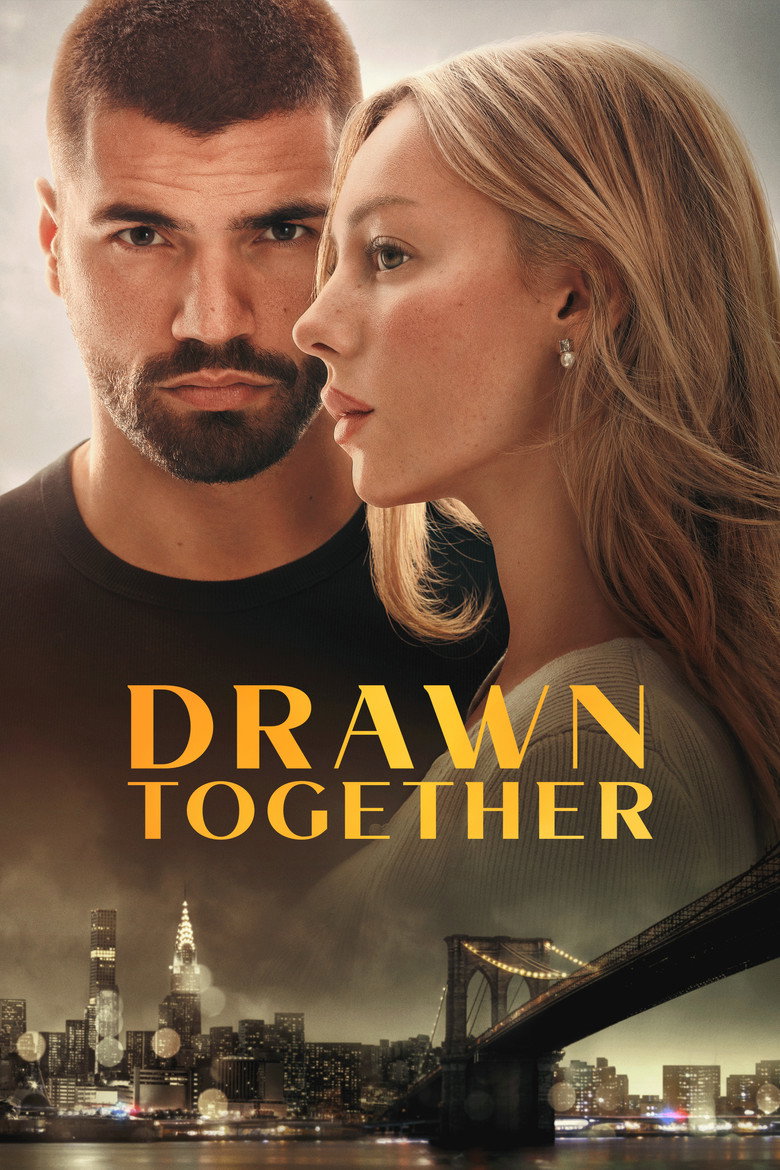
Drawn TogetherMOVIE · TMDB 1440098
White-label the preroll
Three query params. No account, nothing to enable.
Accent
02 What you get
Built like a player you'd pay for. Priced like one you wouldn't.
Everything below is on by default. There is no pro tier, no key to rotate, and no dashboard standing between you and a working embed.
Instant-start tier
Popular titles are pre-warmed and cached at the CDN edge, so playback opens without a cold upstream lookup. The playground badge tells you which tier a title is on before you embed it.
Adaptive HLS + subtitles
hls.js ships inside the iframe, so there is nothing to install. Quality steps down cleanly on bad connections, and 30+ subtitle languages are picked up automatically per title.
Your brand on the loading card
The preroll card every viewer sees is yours — your name, your logo, your accent colour. Invalid values fall back silently instead of breaking playback.
?brand=&brandLogo=&brandColor=
A real postMessage API
Save watch progress to your own backend, resume where the viewer left off, force a starting quality, and drive auto-next episodes. Every message is origin-scoped.
vidrift:progress · vidrift:resume
Mobile that isn't an afterthought
Real touch targets, a hover-free scrubber, and iOS Safari fullscreen. If you'd rather draw the settings sheet in your own UI, one flag hands you the options list.
?mobileSheets=true
Nothing leaks to the parent page
Playback runs cross-origin inside the iframe, so upstream traffic is invisible to the embedding page and to anyone reading its network tab. You ship a URL, not a scraper.
03 Integration
Three lines to a working player.
Step one is the whole product. Steps two and three are there for when you want it to look and behave like it belongs to you.
1
Drop in the iframe
Movies take a TMDB id. TV and anime take a TMDB id, a season and an episode.
<iframesrc="https://embed.vidrift.in/embed/movie/1440098"allowfullscreen allow="autoplay; fullscreen"></iframe><!-- TV / anime: /embed/tv/{id}/{season}/{episode} --><iframesrc="https://embed.vidrift.in/embed/tv/1396/1/1"></iframe>
2
Make it responsive
A 16:9 wrapper keeps the player sharp on every screen without a resize listener.
The player reports where the viewer is. Store it, then hand it back on the next visit.
window.addEventListener("message", (e) => {
  if (e.origin !== "https://embed.vidrift.in") return;
  if (e.data.type === "vidrift:progress") {
    save(e.data.tmdbId, e.data.currentTime);
  }
});
04 Coverage, honestly
Two tiers. We tell you which one you're on.
Some titles are warm and open almost instantly; the rest resolve live across the provider network. You never have to guess which — the playground badge reports the tier for any title before you embed it.
Instant
Popular titles
The titles people actually watch are pre-warmed and cached at the edge, so they open in about a second instead of waiting on a cold lookup.
Everything else
Source network
The long tail resolves live across a pool of providers, with the working source remembered for the next viewer. A slower first frame, far wider reach.
0
Keys to manage
No registration, no token rotation, no per-domain allowlist to keep in sync. Change your domain tomorrow and nothing breaks.
05 Straight answers
The questions you were going to ask anyway.
Is it actually free?
Yes, and there is no tier above it. The player carries a single ad on public embeds — that is what pays for the bandwidth. Nothing is metered, nothing expires, and you are never asked for a card.
Do I need an API key or an account?
No. There is no signup, no key and no domain allowlist. Build the URL, put it in an iframe, done. The only ids involved are TMDB's, which are public.
Can I remove your branding?
You can replace it. ?brand=, ?brandLogo= and ?brandColor= put your name, logo and accent colour on the preroll card and theme the player's controls. That is the white-label path, and it needs no account.
How fast does playback start?
On the instant-start tier, roughly a second — the manifest and first segments are already warm at the CDN edge. On the source network it depends on the upstream, typically a few seconds, and the manifest is warmed ahead of playback to cut the round trips.
Will the embed break when a source dies?
A dead source is failed over automatically, and the working one is remembered so the next viewer skips the dead path entirely. The URL you embed never changes — resolution happens behind it.
Can the page around the iframe see the stream?
No. Playback is cross-origin, so the parent page's JavaScript cannot read the player's network traffic. That protects your integration as much as it protects ours.
Where does the content come from?
VidRift does not own or store the underlying media. It indexes and relays what is already publicly reachable, and metadata comes from TMDB. Takedown requests reach a human on Discord and are handled per title.
Ship it in the next five minutes.
Copy the URL from the playground, paste it into your page, and you're done. If something misbehaves, we're on Discord and we actually answer.
The player is a single cross-origin iframe. Nothing to install, nothing to authenticate. Everything below is a URL parameter or a postMessage — that is the entire API surface.
Quick start
1. Add the player
Paste this where you want the player to appear. This is a complete, working embed.
<!-- 16:9 aspect ratio container --><divstyle="position:relative;padding-bottom:56.25%;height:0"><iframesrc="https://embed.vidrift.in/embed/movie/1440098"style="position:absolute;top:0;left:0;width:100%;height:100%"allowfullscreen allow="autoplay; fullscreen"></iframe></div>
Keep referrerpolicy at its default (or strict-origin-when-cross-origin). A no-referrer policy makes the embed indistinguishable from a direct visit — it still plays, but loses the first-party signal. A sandbox attribute on the iframe will stop playback.
URL structure
Movies
https://embed.vidrift.in/embed/movie/{tmdb_id}
Movie example
<!-- Drawn Together (TMDB 1440098) --><iframesrc="https://embed.vidrift.in/embed/movie/1440098"></iframe>
<!-- Breaking Bad S01E01 --><iframesrc="https://embed.vidrift.in/embed/tv/1396/1/1"></iframe>
Anime
Anime is TV content under the hood — there is no separate route. Use the TV shape with the show's TMDB id.
Anime example
<!-- Attack on Titan S01E01 --><iframesrc="https://embed.vidrift.in/embed/tv/1429/1/1"></iframe>
Parameter reference
Every parameter is optional and validated server-side. Anything invalid is ignored rather than treated as an error, so a bad value never breaks playback.
Parameter
Value
What it does
title
Text
Shown on the preroll card while a source is being found. Without it the card falls back to the TMDB id.
brand
Text, ≤ 28 chars
Your name, shown above the title on the preroll.
brandLogo
https URL
Your logo, rendered 46px tall. Omit it and a monogram tile is drawn from the first letter of brand.
brandColor
6-digit hex
Accent for the wordmark, progress bar, glow and source indicators. With or without the #.
mobileSheets
true
Delegates the mobile Settings / Subtitles / Source panels to your own UI. See below.
Finding TMDB ids
Ids come from themoviedb.org — they are in the URL of any title page, and available through the TMDB API.
Movies — themoviedb.org/movie/1440098 → id is 1440098
TV & anime — themoviedb.org/tv/1396 → id is 1396
The playground on the home page builds the finished URL for you — pick a title, set the season and episode, and copy the result.
Custom branding
While the player is finding and warming a source, it shows a preroll title card. That card is yours. Add up to three query params and your logo, name and accent colour replace VidRift's on every embed — no account, no dashboard, nothing to enable.
brand — your name, shown above the title. Plain text, max 28 characters.
brandLogo — an https URL to your logo (PNG/SVG/JPG; a transparent background looks best). Rendered at 46px tall. Omit it and the player draws a monogram tile from the first letter of brand instead.
brandColor — a 6-digit hex accent, with or without the #. Drives the wordmark, progress bar, glow and source indicators.
Anything invalid is silently ignored rather than breaking playback: a non-https logo, a colour that isn't a hex triplet, or a logo URL that 404s all fall back to the default VidRift styling. The playground builds this URL for you.
Autoplay
The player always attempts autoplay, muted, as soon as a source is ready — this is what every browser allows without a user gesture, so there is nothing to enable. Playback becomes unmuted the moment the viewer interacts with the player (clicks the volume icon, or the video itself).
Auto next episode
For TV and anime, the player shows a 5-second "Up Next" card near the end of an episode — but it needs your page to tell it what the next episode actually is, and to react when the viewer confirms. This is a two-way postMessage handshake, not automatic on its own.
1. Tell the player what's next
Send this into the iframe once it has loaded (for example, right after setting iframe.src):
The player posts this back when the countdown finishes or the viewer clicks "Play Next". Your page is responsible for actually swapping the iframe's src:
Player → Parent
window.addEventListener("message", (e) => {
  if (e.origin !== "https://embed.vidrift.in") return;
  if (e.data.type === "vidrift:nextup-play") {
    var next = { season: e.data.season, episode: e.data.episode + 1 };
    iframe.src = `https://embed.vidrift.in/embed/tv/${e.data.tmdbId}/${next.season}/${next.episode}`;
  }
});
Skip step 1 and the "Up Next" card simply never appears — safe to omit if you don't want auto-advance.
Player events & controls
All messages are scoped to the https://embed.vidrift.in origin. Always check event.origin before trusting an incoming message.
Fired periodically while playing — use it to save watch progress on your own backend.
Player → Parent
window.addEventListener("message", (e) => {
  if (e.origin !== "https://embed.vidrift.in") return;
  if (e.data.type === "vidrift:progress") {
    // e.data: { tmdbId, mediaType, season, episode, currentTime, duration }
  }
  if (e.data.type === "vidrift:ended") {
    // playback finished — same tmdbId/mediaType/season/episode shape
  }
});
Native mobile settings sheet
On mobile the player's Settings / Subtitles / Source buttons open their own compact in-player panel. If you would rather render a native-feeling bottom sheet in your site's own UI, opt in with a URL flag plus a listener.